PDF selection mode for column
ناشر الموضوع: CafeTran Trainer
CafeTran Trainer
CafeTran Trainer
هولندا
عضو (2006)
ألماني إلى هولندي
+ ...
Jul 25, 2024

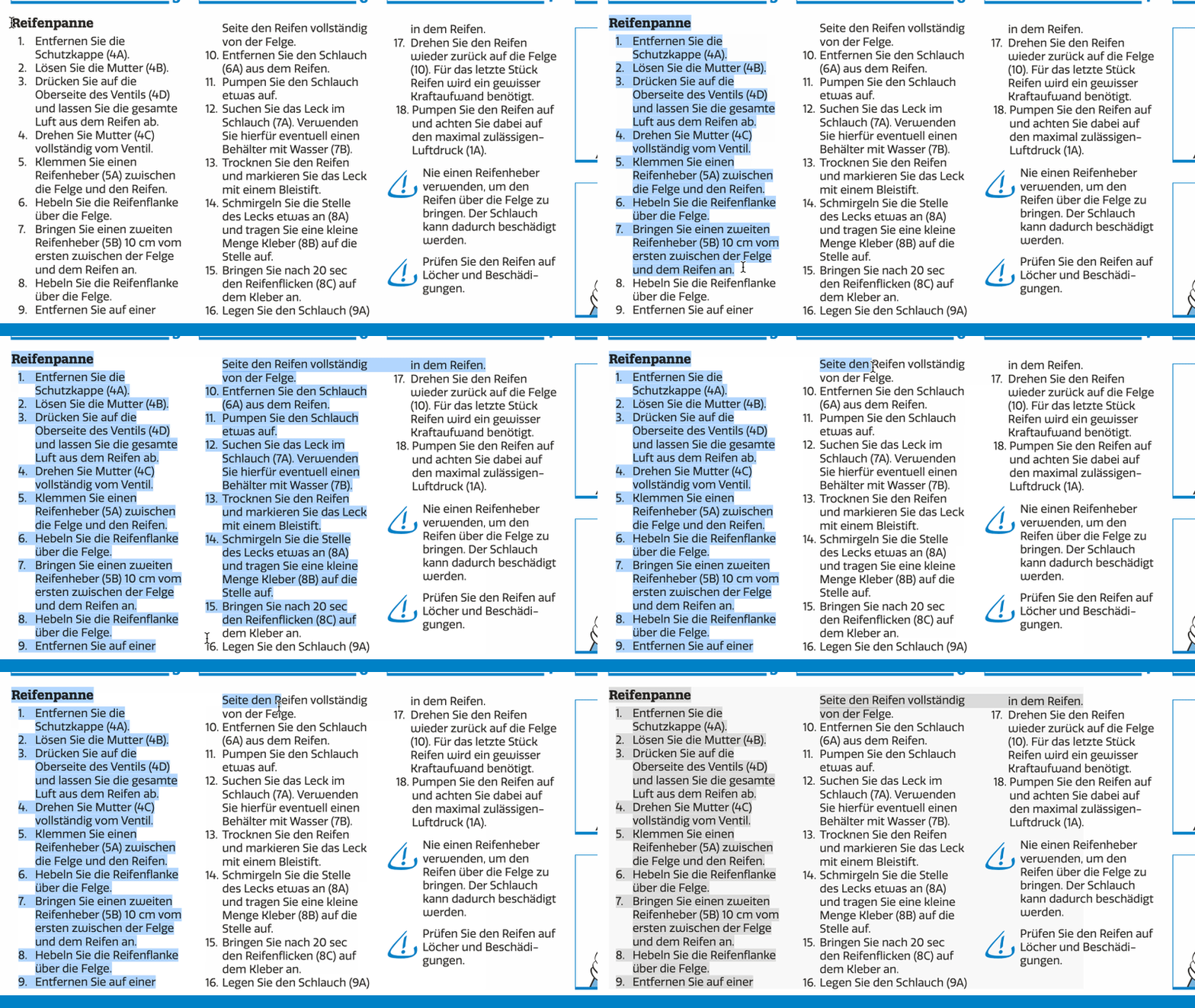
I have this PDF that was created using InDesign. When I select the first line of the second column, the third column is also selected.

Is there a way to select just the first and second columns?

1


Endre Both
Endre Both  Identity Verified
ألمانيا
Local time: 19:46
أنجليزي إلى ألماني
Another PDF editor? Jul 25, 2024

I don't think there is anything you can do in Acrobat. My only idea would be to try a different editor; I believe sometimes they parse contents differently.

CafeTran Trainer
Joakim Braun
 
Joakim Braun
Joakim Braun  Identity Verified
السويد
Local time: 19:46
ألماني إلى سويدي
+ ...
Try Preview + option key Jul 25, 2024

Hold down option when selecting text in Preview. Then you can set your own text selection rect.

Might not give you properly column-broken pasteboard text, though.
(However, it does when I try it on a 3-column PDF exported from Indesign.)

Addendum: Acrobat also gives you a custom text selection rect when option-clicking.

[Bearbeitet am 2024-07-25 09:40 GMT]


CafeTran Trainer


To report site rules violations or get help, contact a site moderator:


You can also contact site staff by submitting a support request »

PDF selection mode for column


Draftsmith
Edit Translations Faster With Affordable AI You Can Trust

Draftsmith is an affordable AI editing tool for busy translators. It works directly in Microsoft Word, supporting the way you work ProZ members receive a 20% discount on a single user subscription of Draftsmith.

More info »
Trados Business Manager Lite
Create customer quotes and invoices from within Trados Studio

Trados Business Manager Lite helps to simplify and speed up some of the daily tasks, such as invoicing and reporting, associated with running your freelance translation business.

More info »